Maintenance that runs itself.
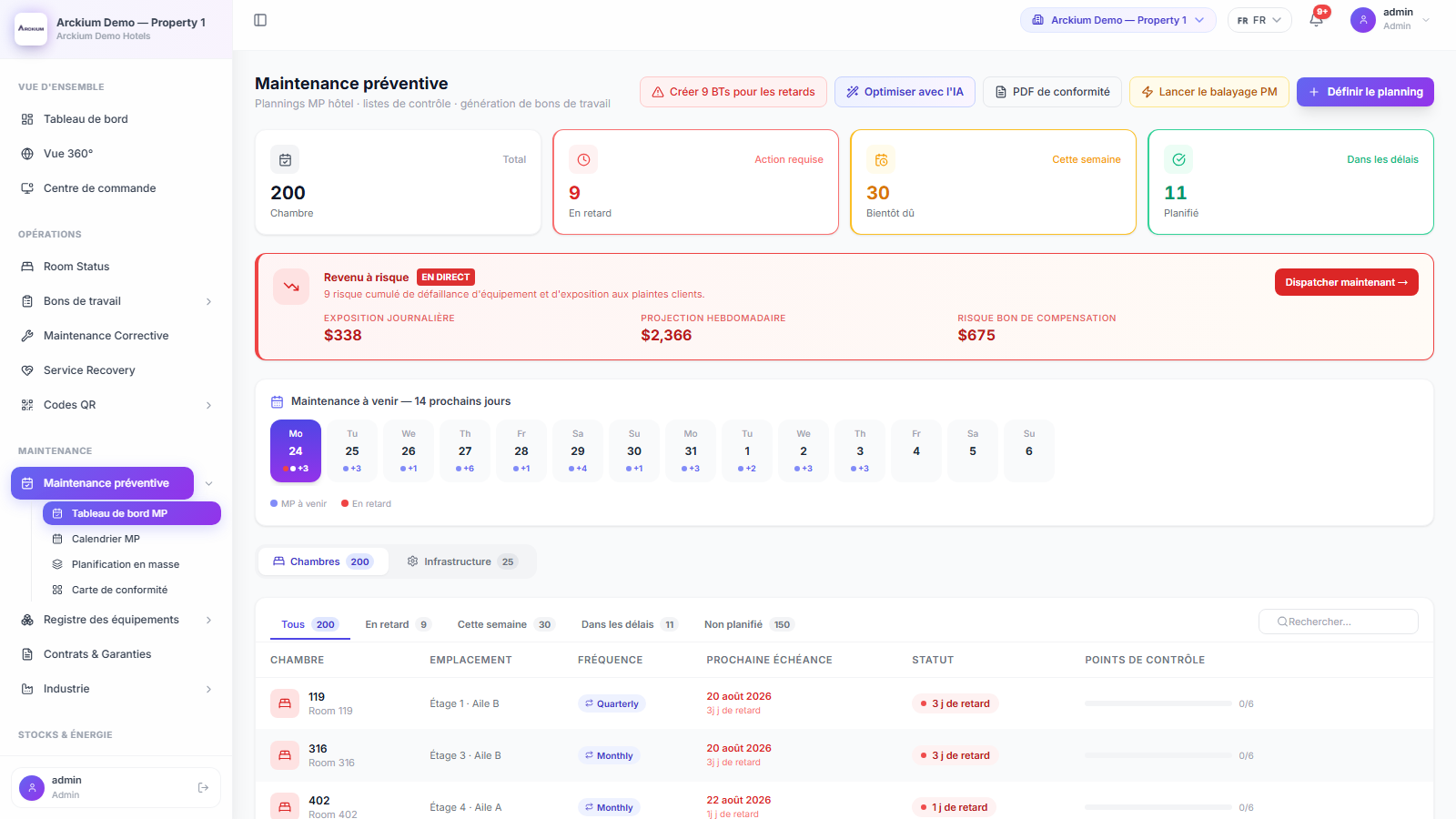
Arckium's nightly scheduler scans every asset with an overdue PM schedule, creates prioritized work orders, and routes them to the right team, before a single engineer opens their laptop.
- Nightly
- Scheduler sweep
- Checkpoints
- Pass/fail with required parts
- AI
- Interval optimisation suggestions
- Per asset
- PM plan and calendar
Everything you need. Nothing you don't.
Nightly scheduler, zero config
Every night at midnight, Arckium enumerates every asset with a PM schedule. Overdue assets get a P2 work order. Due-today assets get P3. Deduplicated against existing open PMs. No human involvement.
AI-optimized intervals
Instead of blindly following manufacturer service intervals, Arckium's AI considers your actual occupancy, checkout dates, and service history to suggest the optimal window for each asset.
Checkpoint execution with evidence
Each PM task has a checklist of checkpoints. Each checkpoint requires a pass/fail decision, optional photo evidence, and technician sign-off. Failed checkpoints auto-spawn corrective work orders.
Auto-issue parts kits
If a PM checkpoint requires specific parts, Arckium automatically issues them from the nearest stocked location when the technician marks it Pass. If stock is insufficient, a CRITICAL alert fires immediately.
One-click compliance PDF
Generate a monthly compliance report on demand: KPI cards, completed PM table, overdue items, safety-checkpoint audit trail, and an attestation footer, ready for regulatory inspection.
QR proof-of-presence gate
For high-security assets, technicians must scan the asset's QR code to unlock the PM checklist. This creates a tamper-proof on-site presence record for every inspection.
How it works
- 01
Midnight: scheduler runs
Arckium enumerates all assets where nextDue ≤ today. It deduplicates against open PM work orders to prevent doubles.
- 02
Work orders created automatically
Overdue assets → P2 WO. Due today → P3 WO. Each WO includes the PM checklist, required parts list, and assigned technician.
- 03
Technician executes on mobile
The technician opens the WO on mobile, scans the QR proof-of-presence gate, completes each checkpoint with photo evidence.
- 04
Completion advances the schedule
On completion, nextDue advances, checkpoints reset, parts inventory updates, and the MaintenanceLog records the event for compliance.
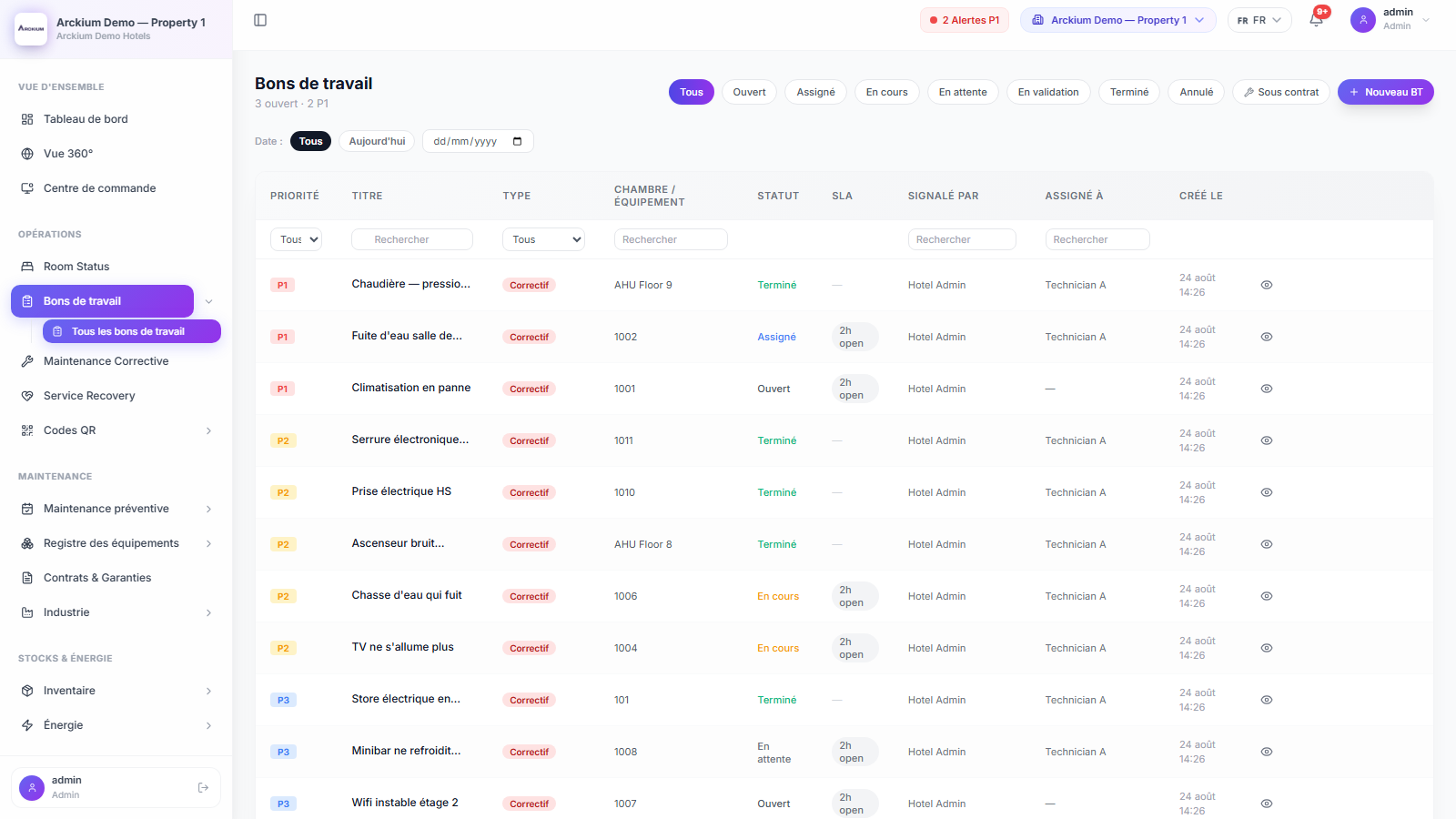
Connects with the rest of Arckium
Every module is designed to work together: data flows automatically, no sync required.
Stop scheduling maintenance manually.
30-minute live demo. See it configured for your operation.