- 4
- Lease states
- 5
- Payment states
- One or all
- Reminders
- Per unit
- Repair history
Everything you need. Nothing you don't.
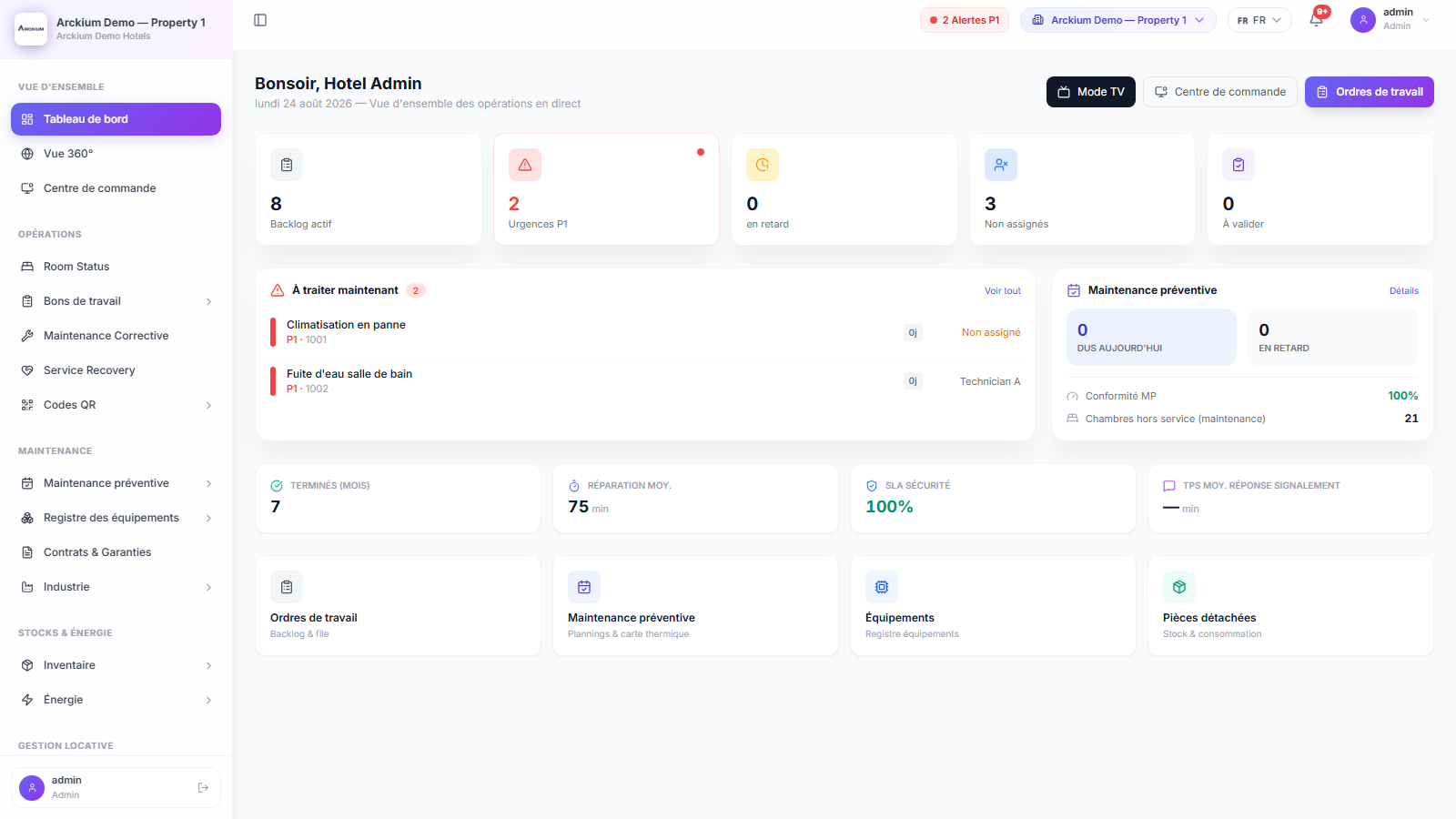
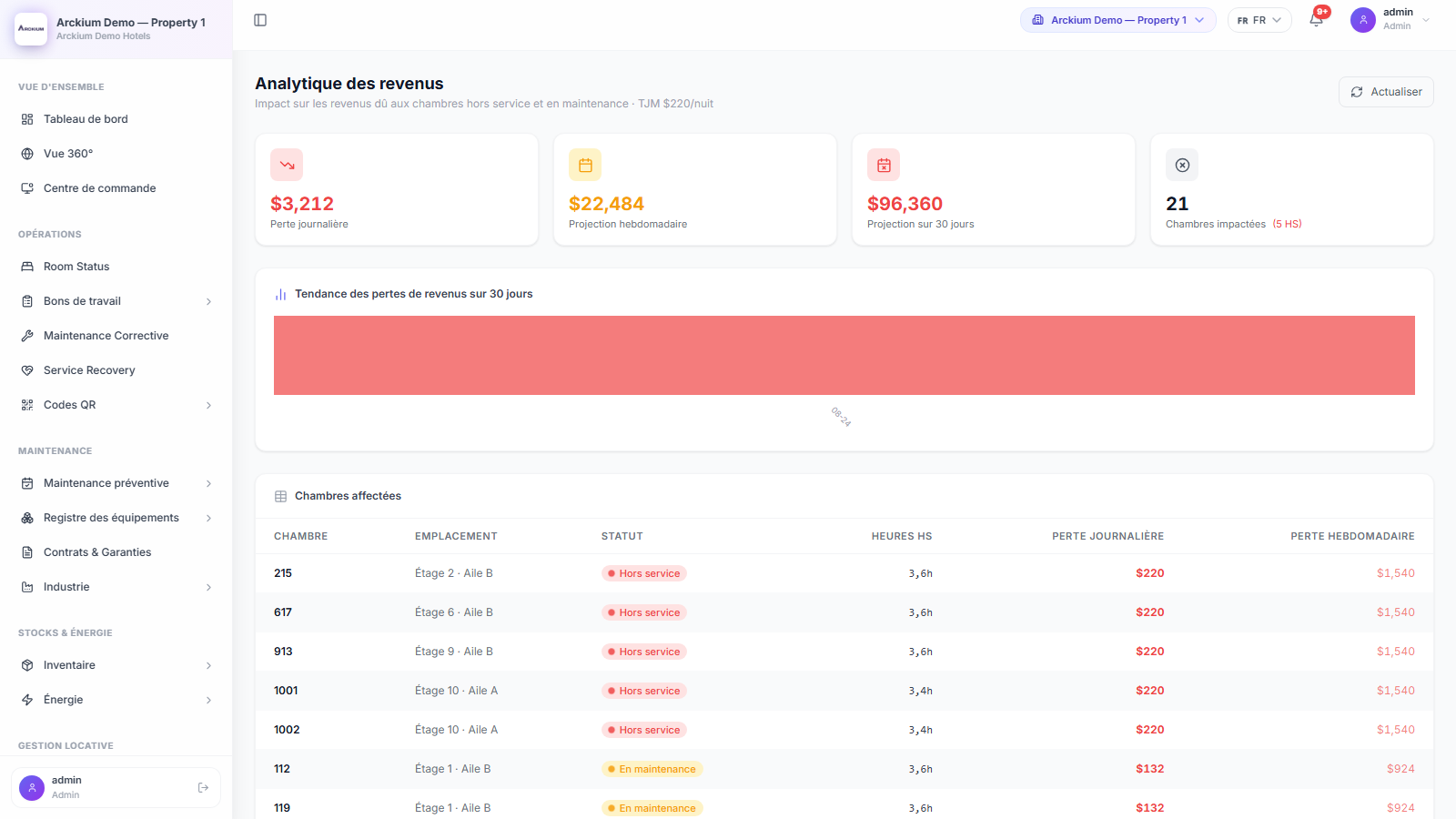
Occupancy and repairs on one timeline
The lease points at the same unit record maintenance already uses.
Move-in and move-out are steps, not a dropdown
Dedicated flows set the dates and drive the lease from pending to active to closed.
March stays in March
Each month is its own record with amount due, amount paid, currency and due date.
Nearly paid is not unpaid
Paid, partial, due, upcoming and overdue are separate states, and they behave differently.
Chase one, or chase all of them
Send a single reminder or sweep the overdue list, with a count and a date kept on each record.
See the renewal coming
An expiring view lists the leases approaching their end date while there is still time to act.
Who to call, on the record
Occupant name, contact and type travel with the lease and with the payment.
How it works
- 01
Create it on the unit
Pick the asset, set the occupant, term, rent and currency. It stays pending until move-in.
- 02
Move them in
The flow records the date and activates the lease. Repair history carries on unbroken.
- 03
Rent runs monthly
Each period gets its amount and due date, then settles fully, partly, or not at all.
- 04
Chase and renew
Overdue periods get reminders one at a time or in bulk, and expiries surface early.
Connects with the rest of Arckium
Every module is designed to work together: data flows automatically, no sync required.