Stop scheduling maintenance into an occupied room.
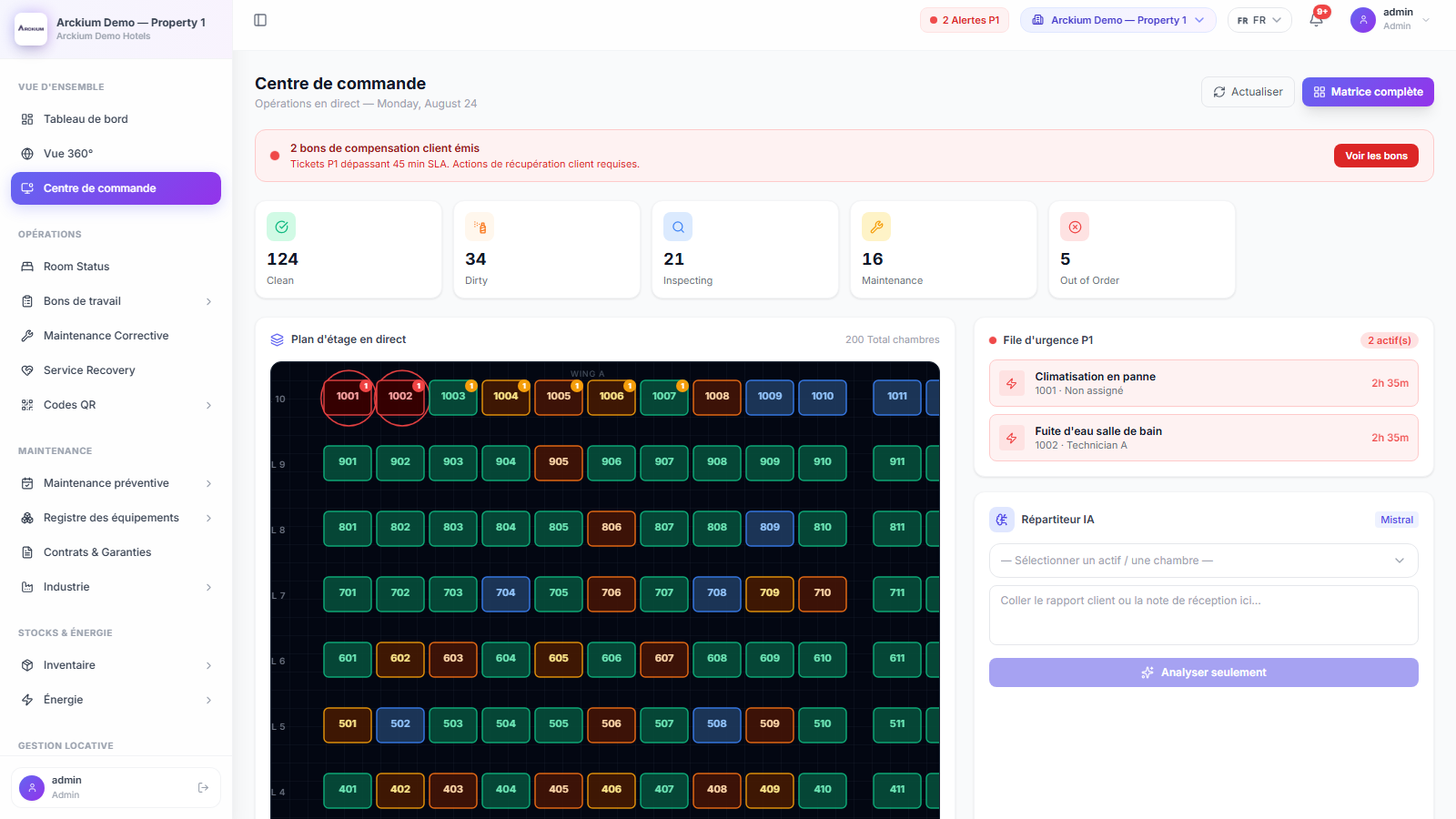
Arckium reads arrivals, room status and occupancy straight from Opera, Mews or Apaleo. Preventive work lands in the gap before a check-in, and every event that arrives is written down.
- 4
- Ways in
- Push + poll
- However the vendor works
- Every event
- Written to the log
- On-prem
- Opera supported
Everything you need. Nothing you don't.
Four ways in
Opera, Mews and Apaleo each get their own endpoint, plus a generic webhook for everything else. One router normalises all of it.
Opera on your own server, still fine
File transfer with managed SSH keys. Nothing has to be exposed to the internet to get data out.
Live where you can, scheduled where you cannot
Vendors that push get pushed. Vendors that do not get polled. Both land in the same reservation store.
Settle the argument with a log
Every inbound event is recorded with its result, so "the PMS never sent it" has an answer.
Work around the arrivals
Upcoming check-ins are cached and visible to the scheduler, so preventive jobs go in the gap.
Occupancy does double duty
The same guest-nights that drive room status also normalise your energy KPIs and pick the budget band.
Find out at setup, not at month-end
A test call checks credentials and reachability before anything goes live.
How it works
- 01
Pick the adapter
Opera, Mews, Apaleo or the generic webhook, with the connection settings for that property.
- 02
Test it
Credentials and reachability are checked before go-live. On-prem file transfer gets a managed SSH key.
- 03
Events start arriving
Reservations, room status and occupancy come in by webhook or scheduled sync, and every one is logged.
- 04
Operations react
Preventive work schedules around arrivals, energy KPIs normalise on real guest-nights, and dark rooms show up as revenue leak.
Connects with the rest of Arckium
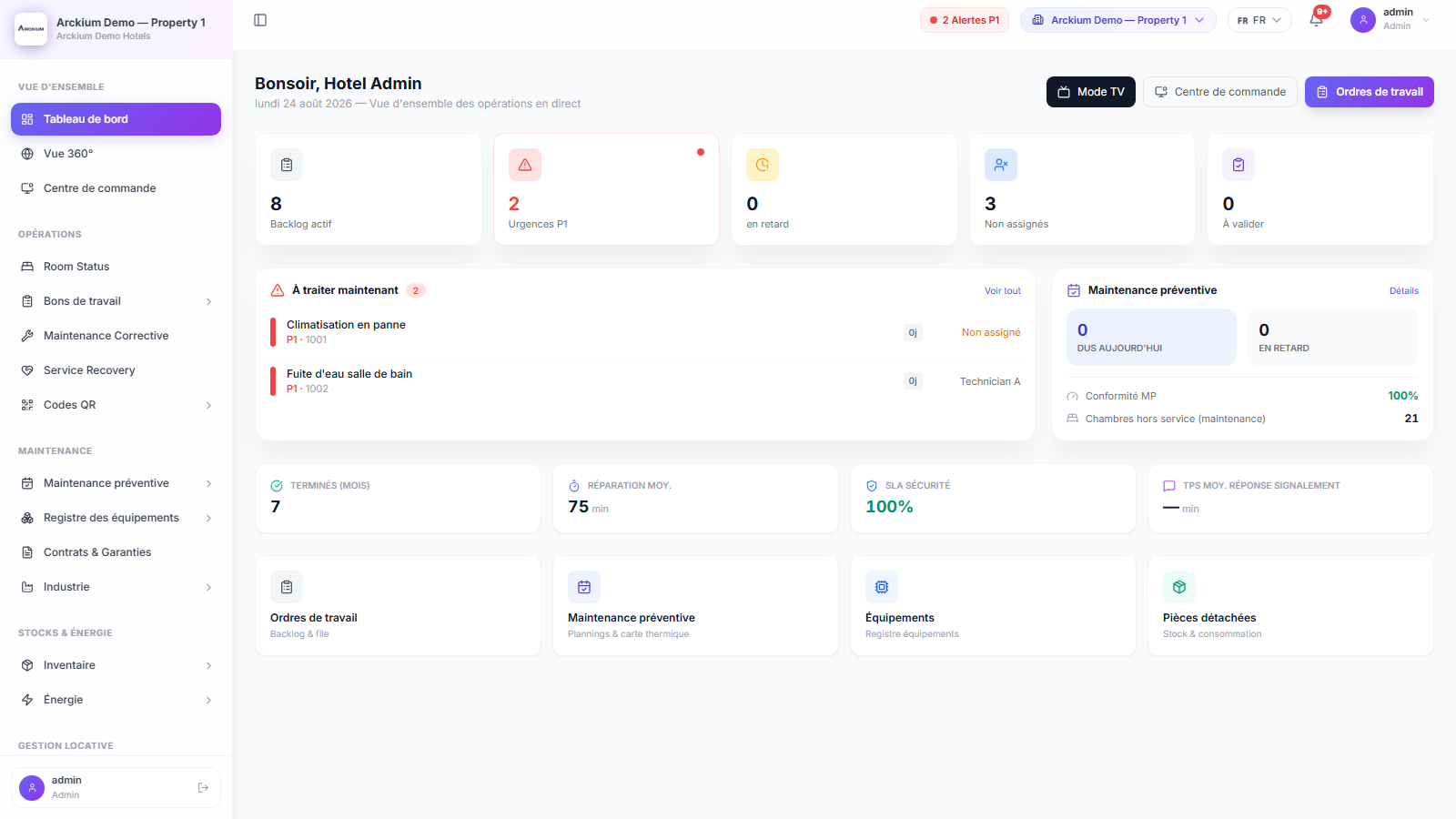
Every module is designed to work together: data flows automatically, no sync required.
Get your PMS and your engineers on the same page.
30-minute live demo. See it configured for your operation.